OpenClaw or Hermes, beautifully.
A native chat app for OC and Hermes.
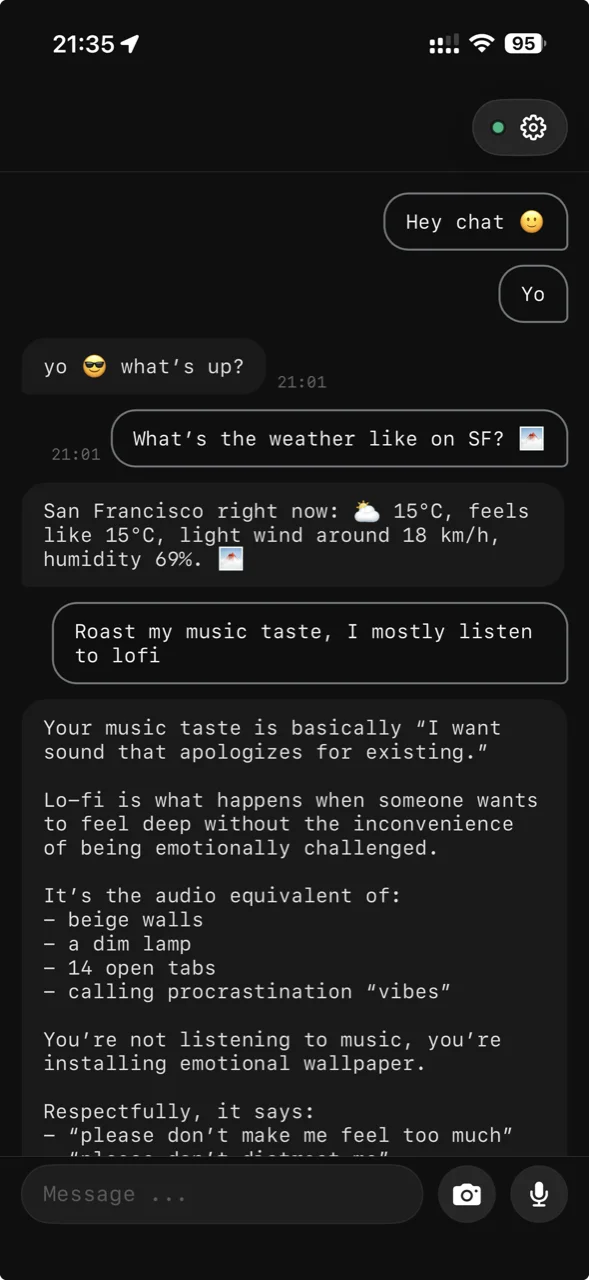

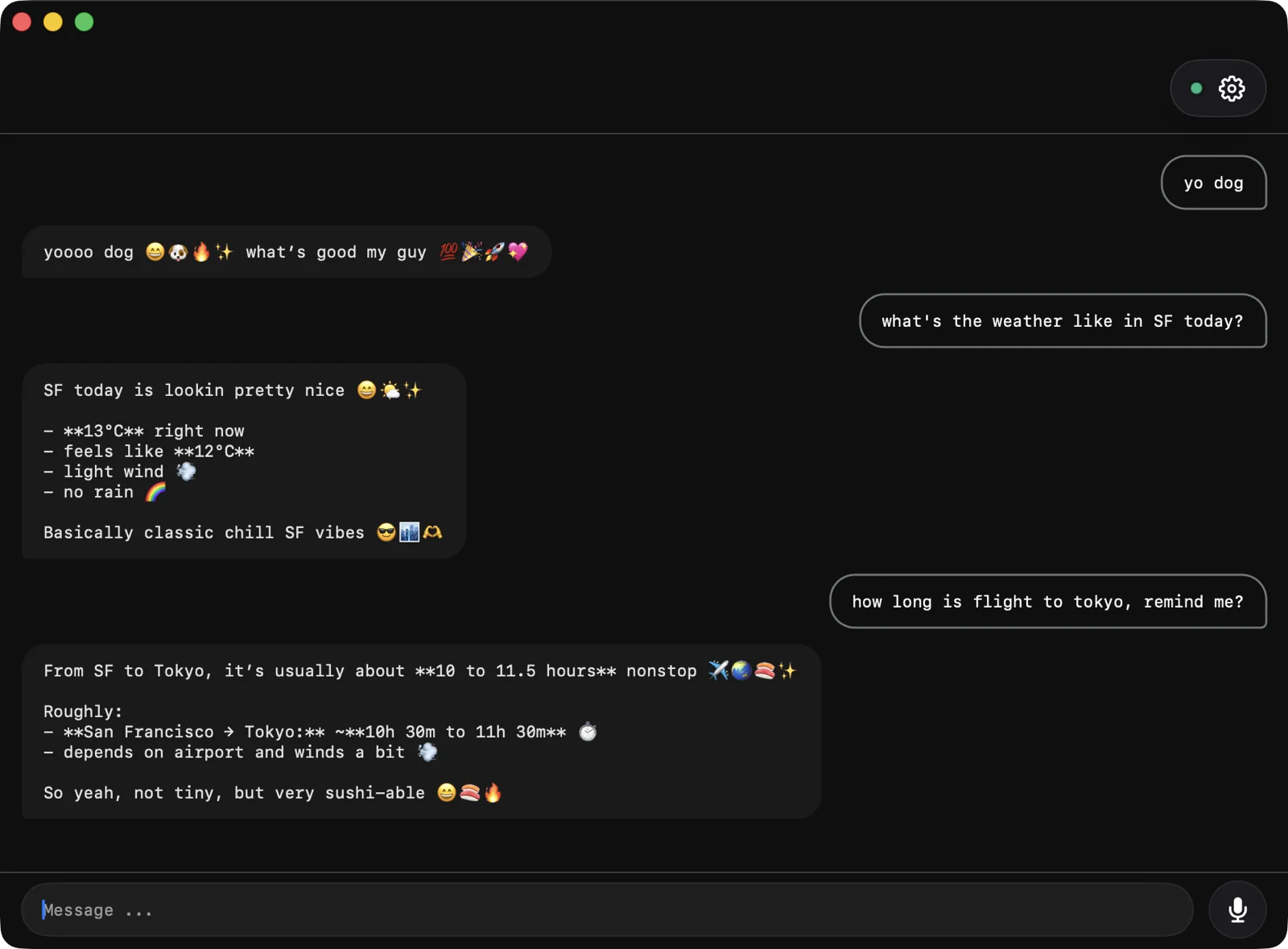
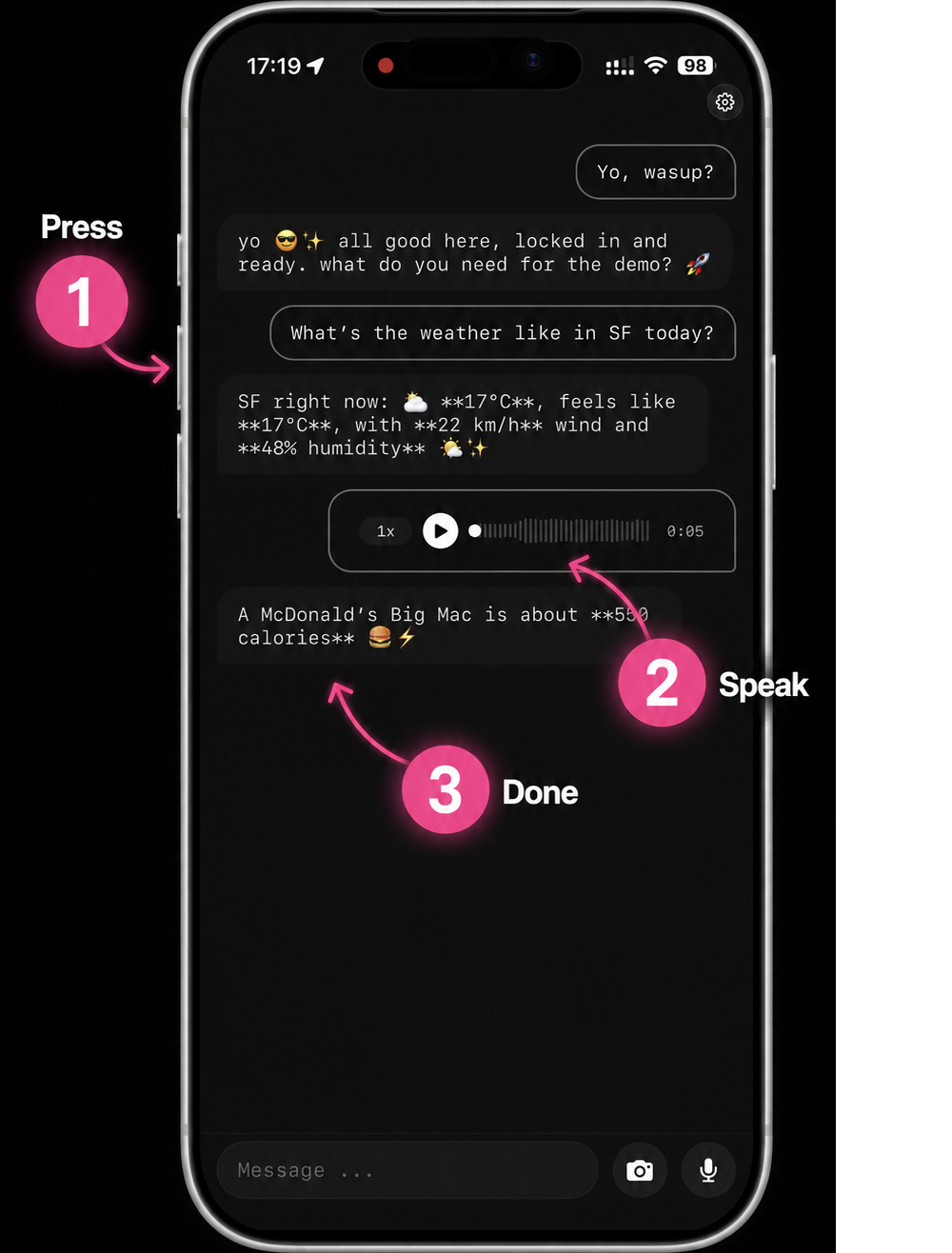
Push to Talk
Press the iPhone Action Button — chat4000 starts recording instantly.
Prefer typing? Set the Action Button to open the keyboard instead — same chat, no voice.
- 01 End-to-End Encrypted.
- Free. 02
- 03 Open Source.
- Build It Yourself. if u need 04
- 05 No Personal Details. no phone, no email
 chat4000
 Two steps. That's all.
- 01
Install the plugin on the machine running your agent
- 02
Questions, answered.
-
01 What is chat4000?
A native iPhone, Mac, and CLI chat app for OpenClaw or Hermes. Your agent shows up as a real chat thread, lock-screen accessible — not a terminal, not a “messaging yourself” workaround.
-
02 Is it end-to-end encrypted? Isn’t Telegram already?
Yes — fully E2E. Messages are encrypted on your device before they leave, and only your OpenClaw or Hermes instance can decrypt them. Telegram is not E2E by default — its regular chats use Telegram-held keys, meaning Telegram itself can read them. Only their opt-in “Secret Chats” are E2E. chat4000 uses keys that only your devices and your agent hold.
-
03 Where does my data live?
On the machine running OpenClaw or Hermes. We don’t store chat history on our servers. The iPhone and Mac apps cache locally, encrypted at rest.
-
04 Where does speech-to-text happen?
On your OpenClaw or Hermes instance — never on our servers. Voice goes from your phone end-to-end encrypted to your agent, which transcribes it locally with whatever STT engine you’ve configured. chat4000 never sees the audio or the transcript.
-
05 Cost, account, source?
Free. No signup — no email, no phone number. Fully open source: the client plus the OpenClaw and Hermes plugins are all on GitHub. The first launch pairs your device to your agent and that pairing is the only identity.
-
06 How does the Action Button work?
Map iOS’s Action Button to chat4000 once in Settings. One press from the lock screen jumps into chat — hold to dictate, release to send, or type a message instead. Same conversation either way.
Your agent, finally native.
Free. Private. Native. Open.