
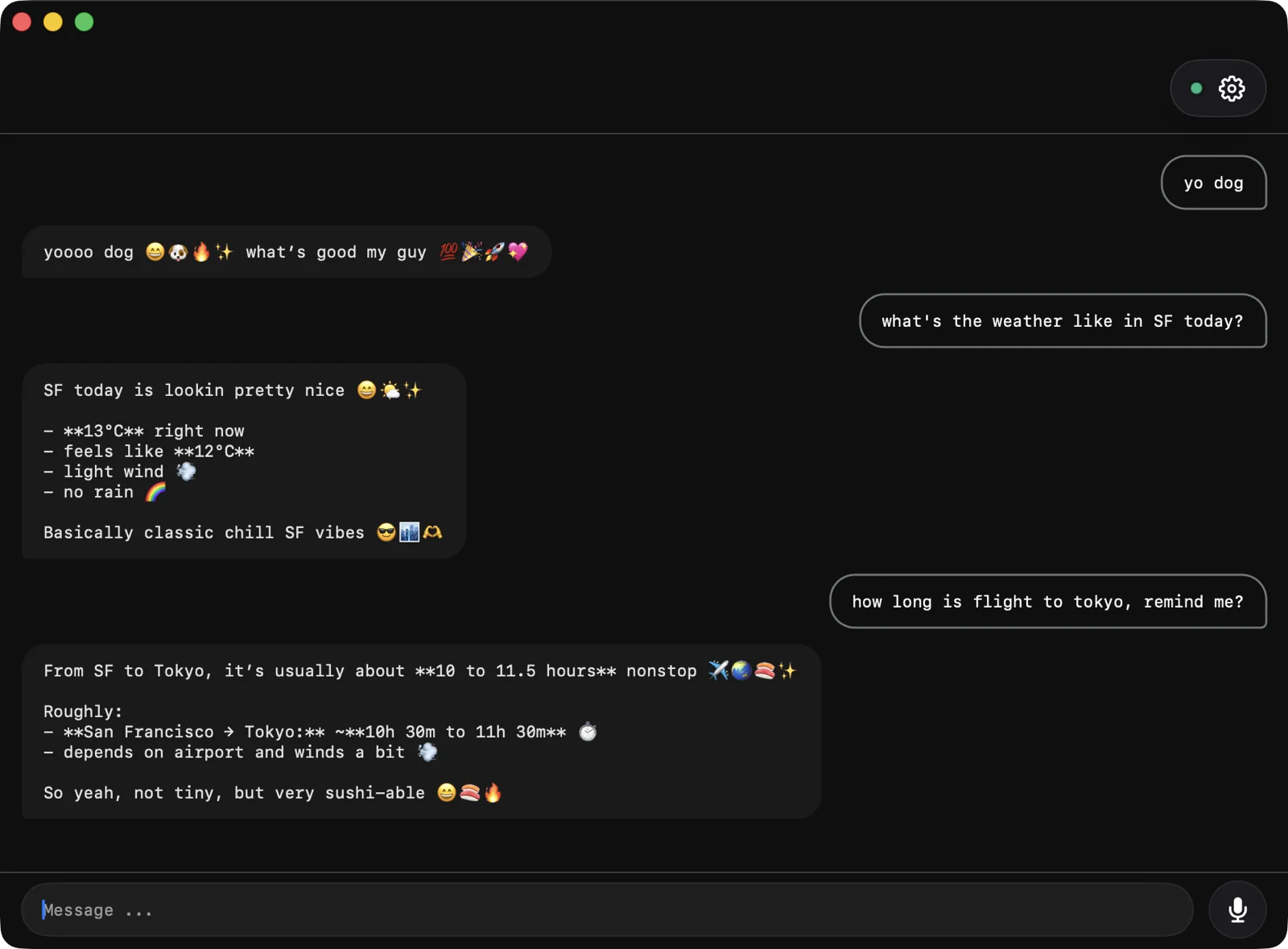
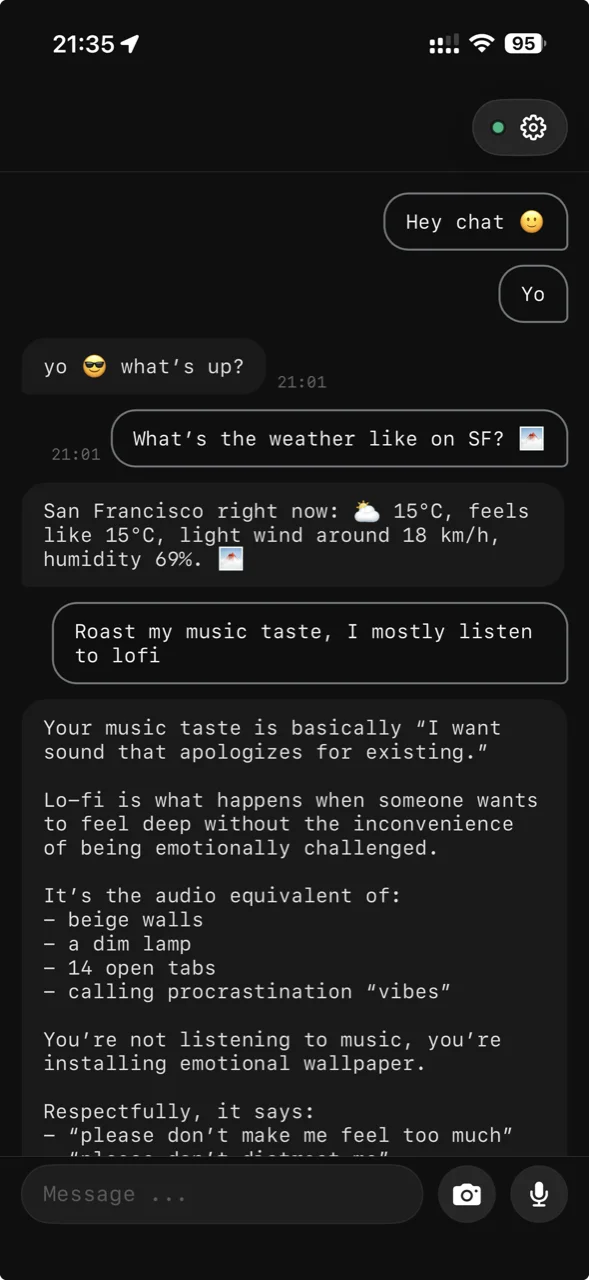
01
One-tap iPhone trigger
A dedicated button on the lock screen and home screen. Press it, talk, your agent picks it up. No app-switching, no menus, no friction.
Press the iPhone Action Button — chat4000 starts recording instantly. Speak your question, release, and the agent replies. No app switch, no unlocking, no taps.
A dedicated button on the lock screen and home screen. Press it, talk, your agent picks it up. No app-switching, no menus, no friction.
WhatsApp shares your location and metadata with advertisers. Telegram's default chats aren't even encrypted. chat4000 seals every message on your device — even we can't read them.
Read the code. Audit the binary. Build it yourself. The chat4000 client and the OpenClaw plugin are on GitHub. The relay isn't — but the wire format is documented.
Don't take our word for it. Install both, send the same message, count the seconds. We'll wait.
WhatsApp looks like a 2014 hospital admin panel. Telegram looks like a wallpaper showroom. chat4000 looks like the apps you actually want on your home screen.
Use your agent the way you'd use Claude Code or Codex — straight from a terminal. Pipe stdin into a thread, tail responses, ship a workflow. It just makes sense.
Drop the chat4000 channel plugin into your OpenClaw setup. It registers itself and starts listening for incoming pairings.
$ openclaw plugin install @chat4000/openclaw-plugin
$ openclaw gateway restart
$ openclaw chat4000 setupPick a client. Two tiny steps and you're connected — encrypted, end-to-end, all clients sync the same thread.
brew install chat4000/tap/chat4000